Texture Mapping
- Pasting and image on surfaces
- Map 2D image(pixels) to 3D object(Points)
- Produce realistic models
- Simple solution to avoid complex surface manipulation.

Texture Maping (GL)
Parameters
- Texture coordinates & object coordinates.
- Interpolation
- Wrap mode
//Enable Texture Mapping
glEnable(GL_TEXTURE_2D);
//Make Texture using the image
glGenTextures(1, &_textureId)
glBindTexture(GL_TEXTURE_2D, _textureId);
glTexImage2D(...);
//Setting parameters
glTexParameteri(GL_TEXTURE_2D, GL_TEXTURE_MIN_FILTER, GL_LINEAR);
glTexParameteri(GL_TEXTURE_2D, GL_TEXTURE_MAG_FILTER, GL_LINEAR);
//Adjusting Texture Coordinates
glTexCoord2f(...)
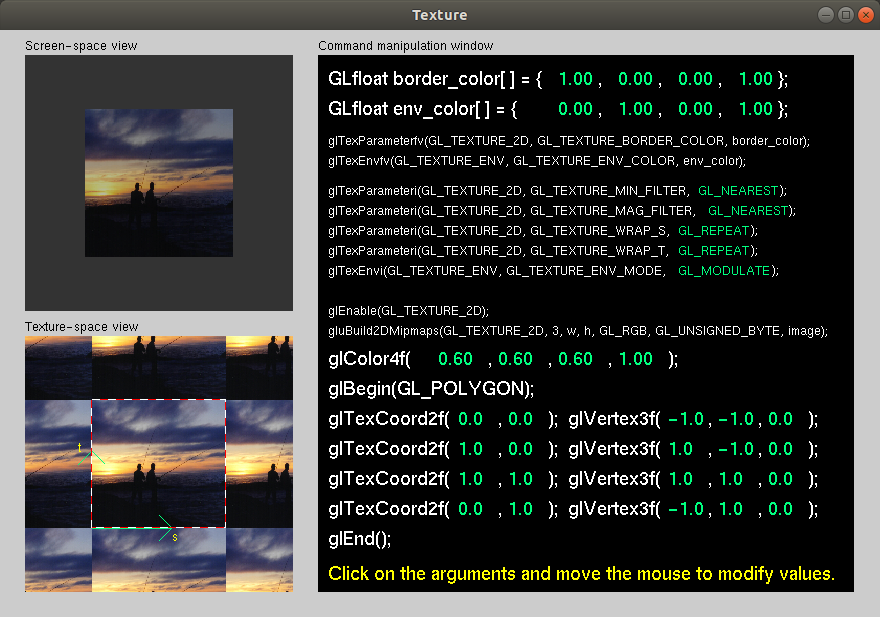
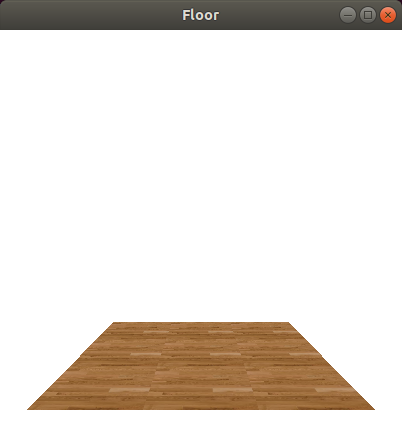
Simple Demo
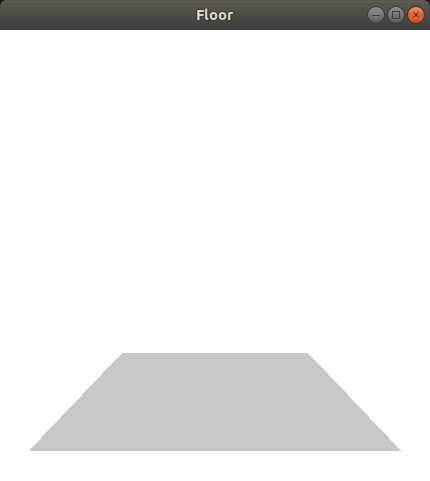
- Texture disabled
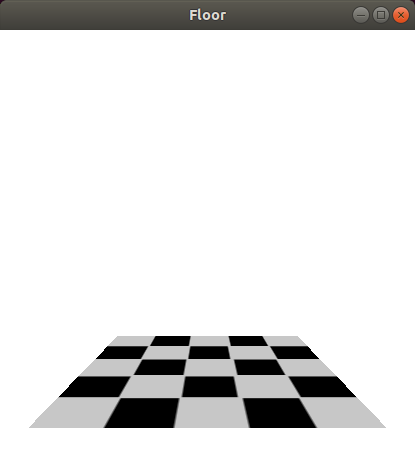
- Texture Enabled
- Adjusting Texture Coordinates
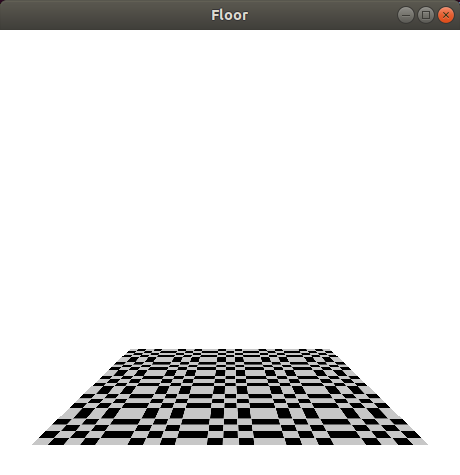
- Another Texture
Object loading
3D model files
- Created 3D models can be saved in different formats (STL, OBJ, 3DS, … )
- 3D Model is a list of 3D points that represent the model
- In this tutorial we will use OBJ format
OBJ file (.obj)
- List of geometric vertices
- List of vertices normals
- List of texture coordinates
MTL file (.mtl)
-
Define material properties (Ambient, Diffuse, Specular, … )
- Define texture maps (images)
- Used to style the object
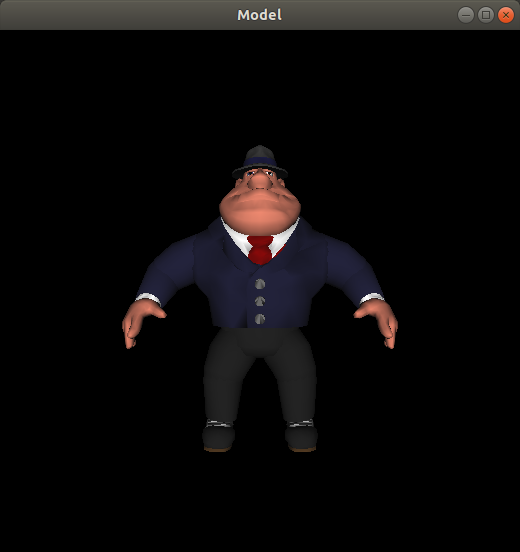
Simple Demo
- Loading model
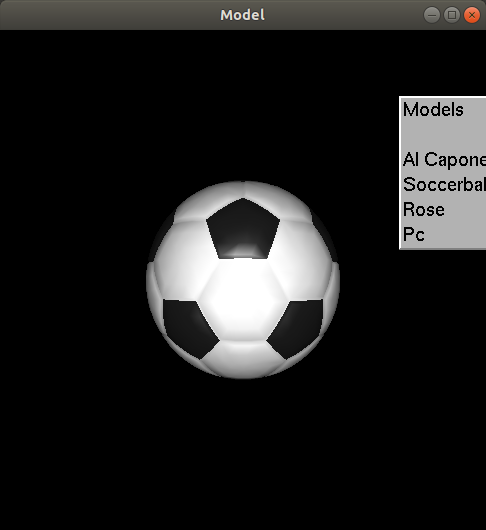
- Selection menu to switch the model
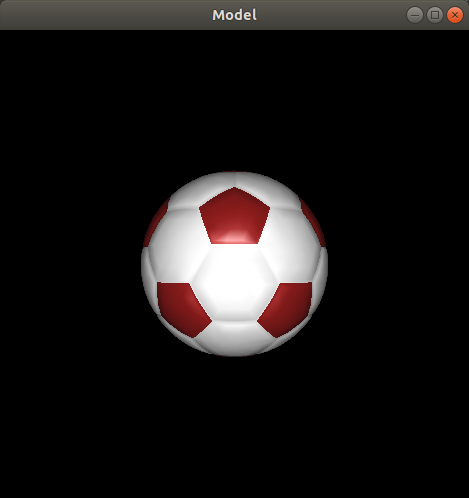
- Adjusting materials
- Free 3D models here
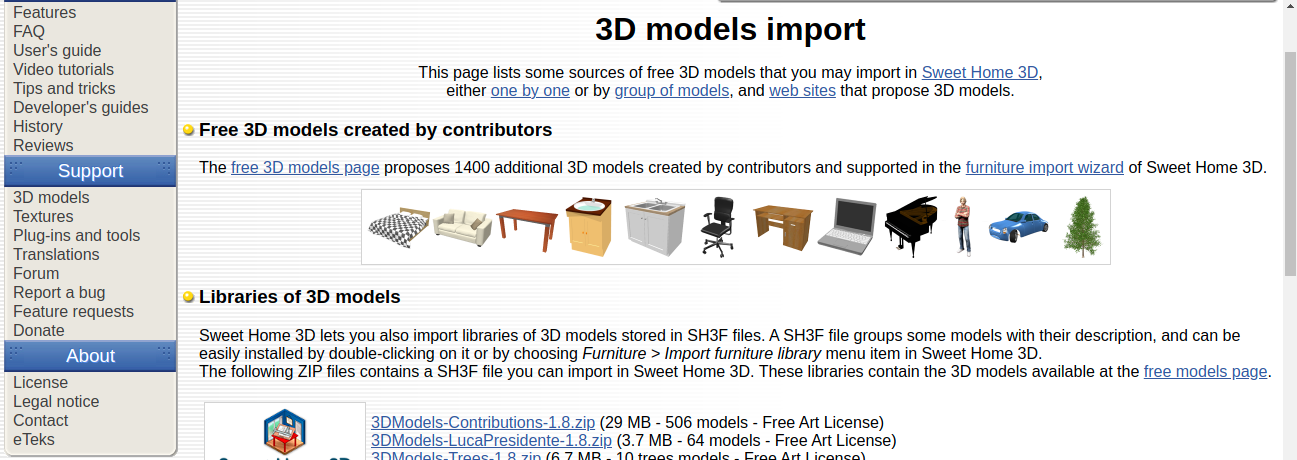
for example this is the apple ibook model
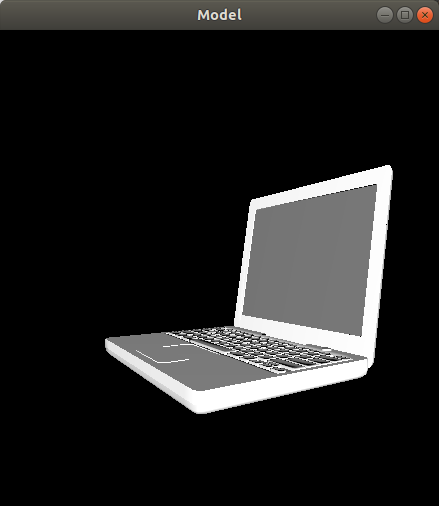
3D model with texture mapping
Example
| 2D Image | 3D Model | Result |
|---|---|---|
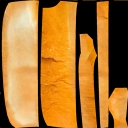 + + |
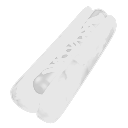 |
= |
Note:
Models with texture images are not required in this course.
Section Demos
Demos are available here.